


Want to experience it in action? You can go to our physical dealer store
Savage Raven 霧鴉(Skull & Co.)
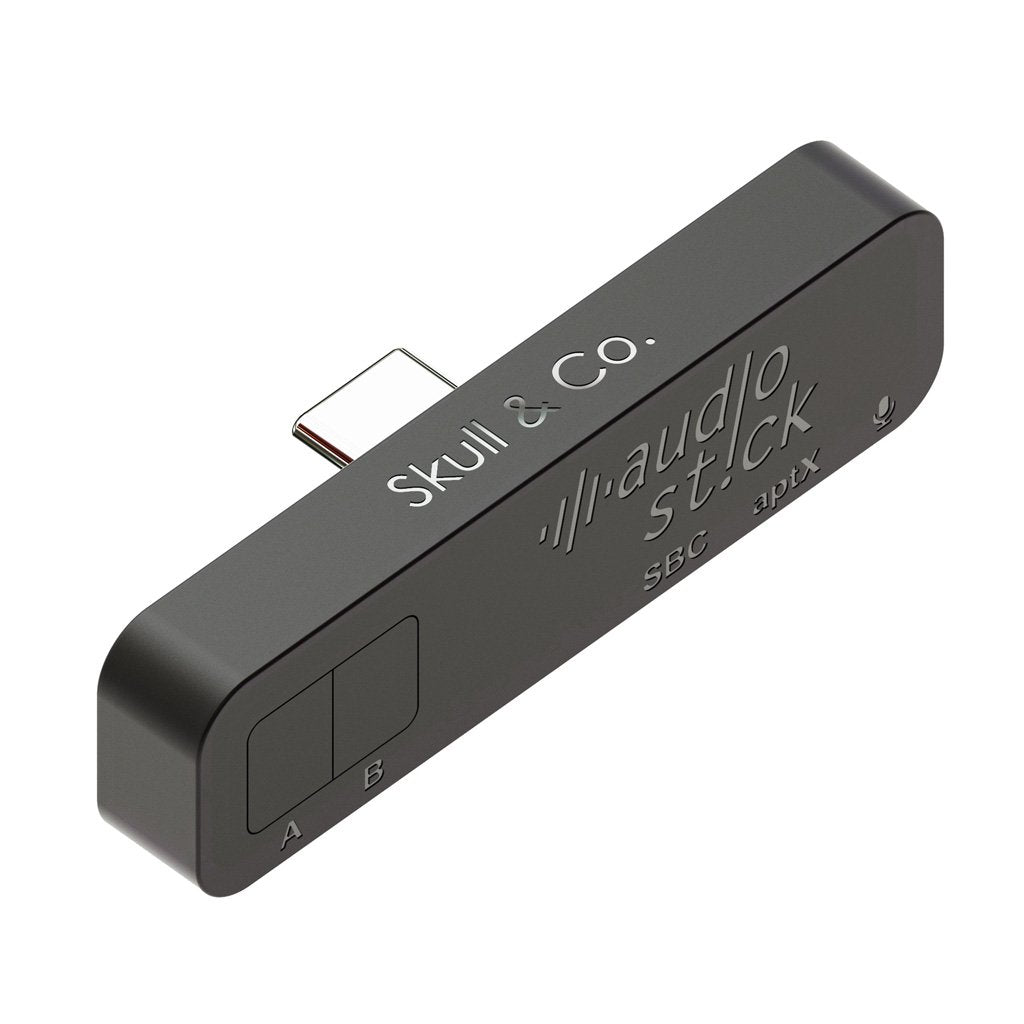
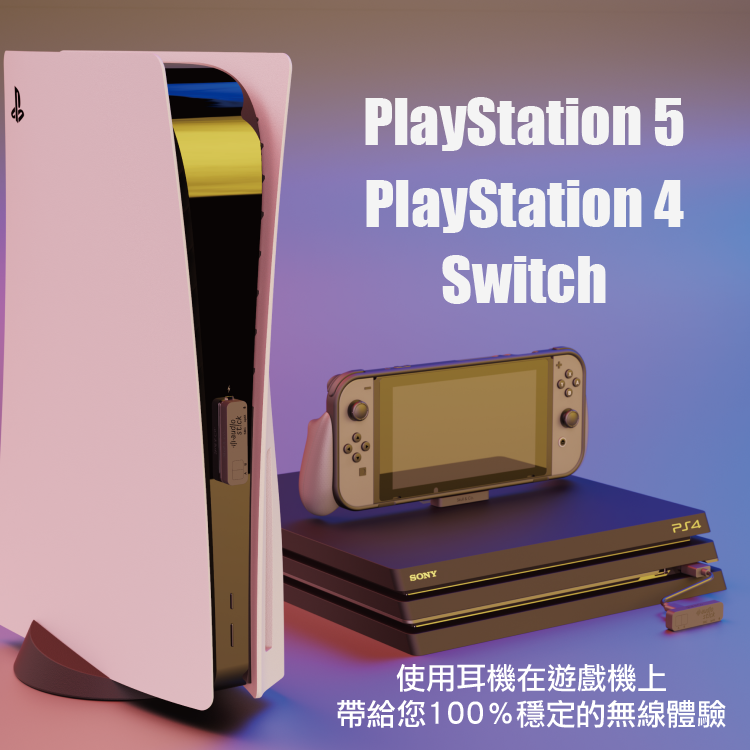
Ultra-thin Bluetooth headset audio receiver and transmitter AudioStick is suitable for PS5/PS4/Switch and other devices
Ultra-thin Bluetooth headset audio receiver and transmitter AudioStick is suitable for PS5/PS4/Switch and other devices
Couldn't load pickup availability


All products pass the EU RoHS non-toxic environmental standards
product description
✨ Product Features
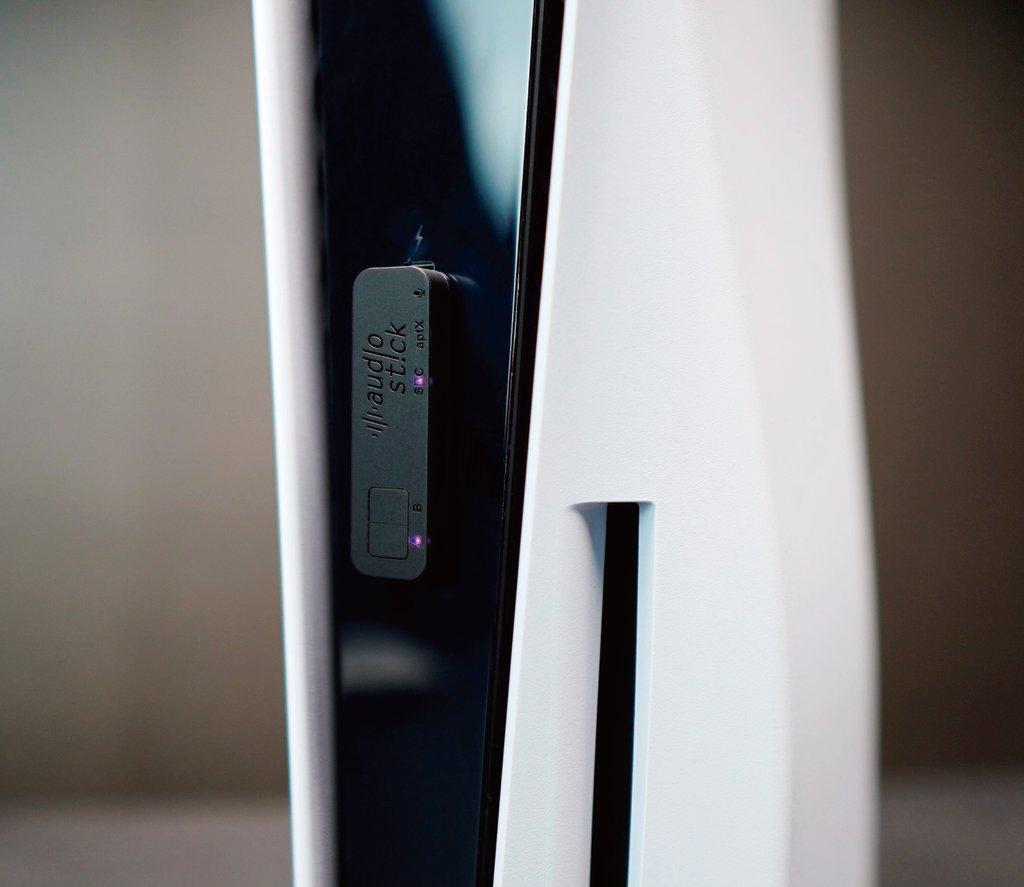
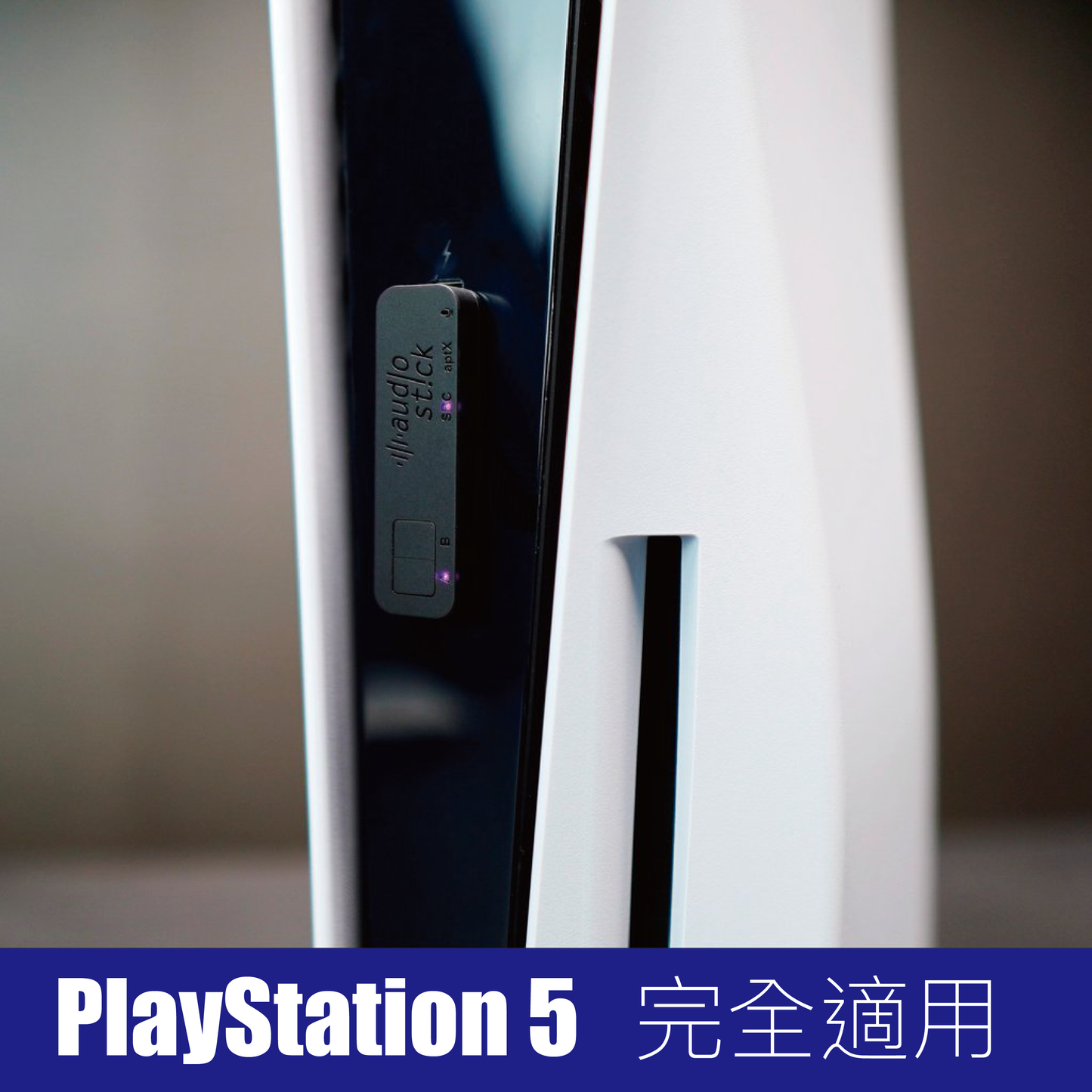
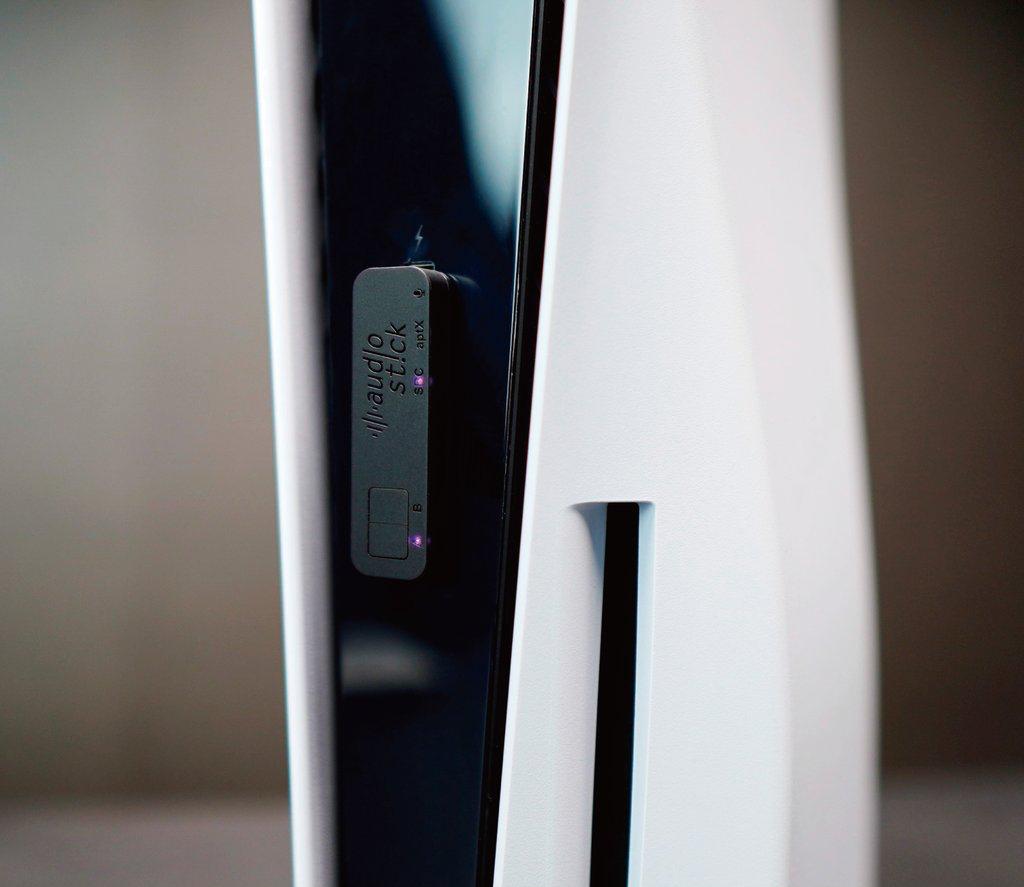
- Perfectly supports devices such as PS5 / PS4 / Switch / NS2
- Bluetooth 5.2 ceramic antenna — stable performance, long transmission distance (10 meters in open space)
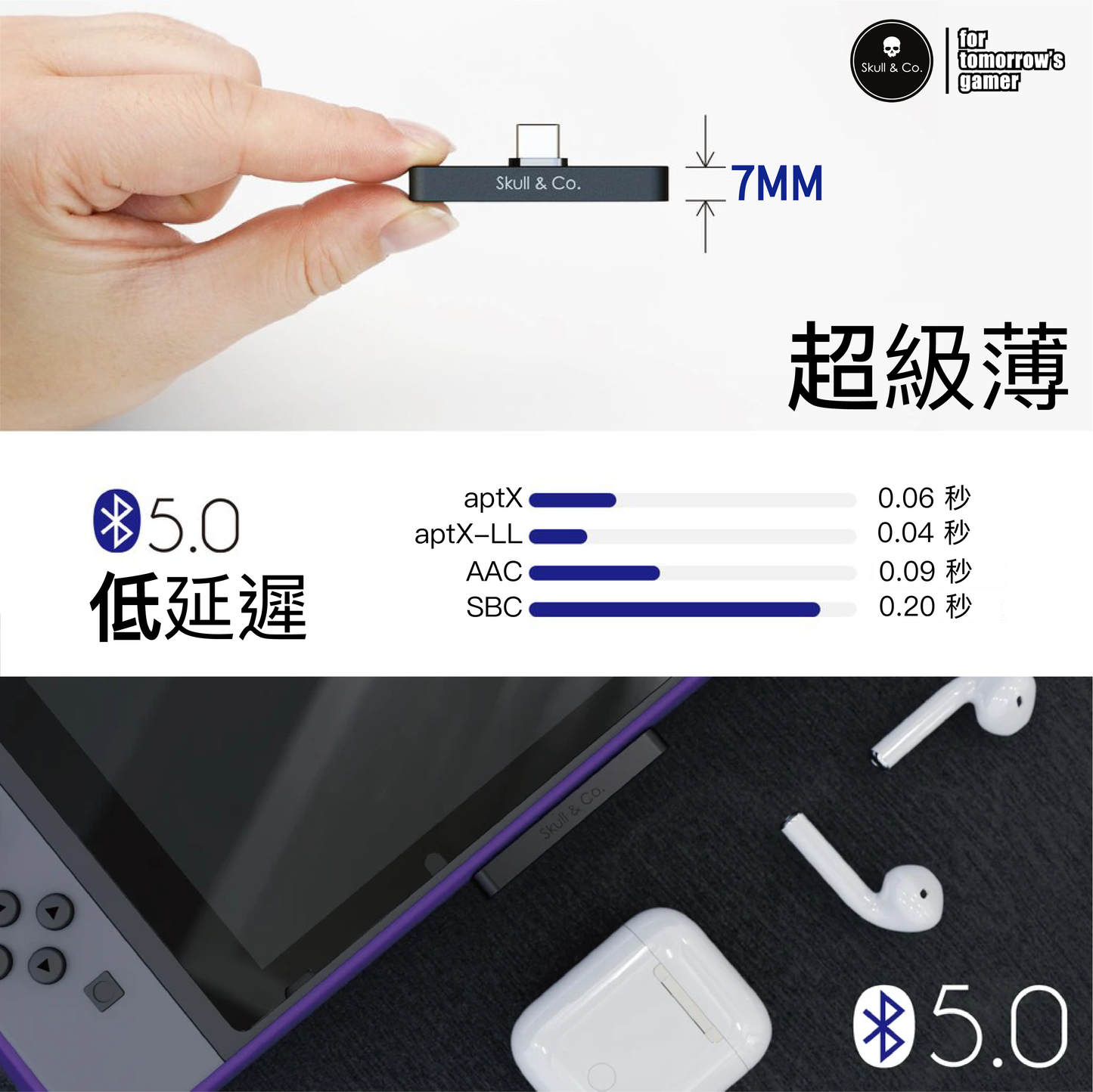
- Ultra-thin design, only 7mm thick, space-saving
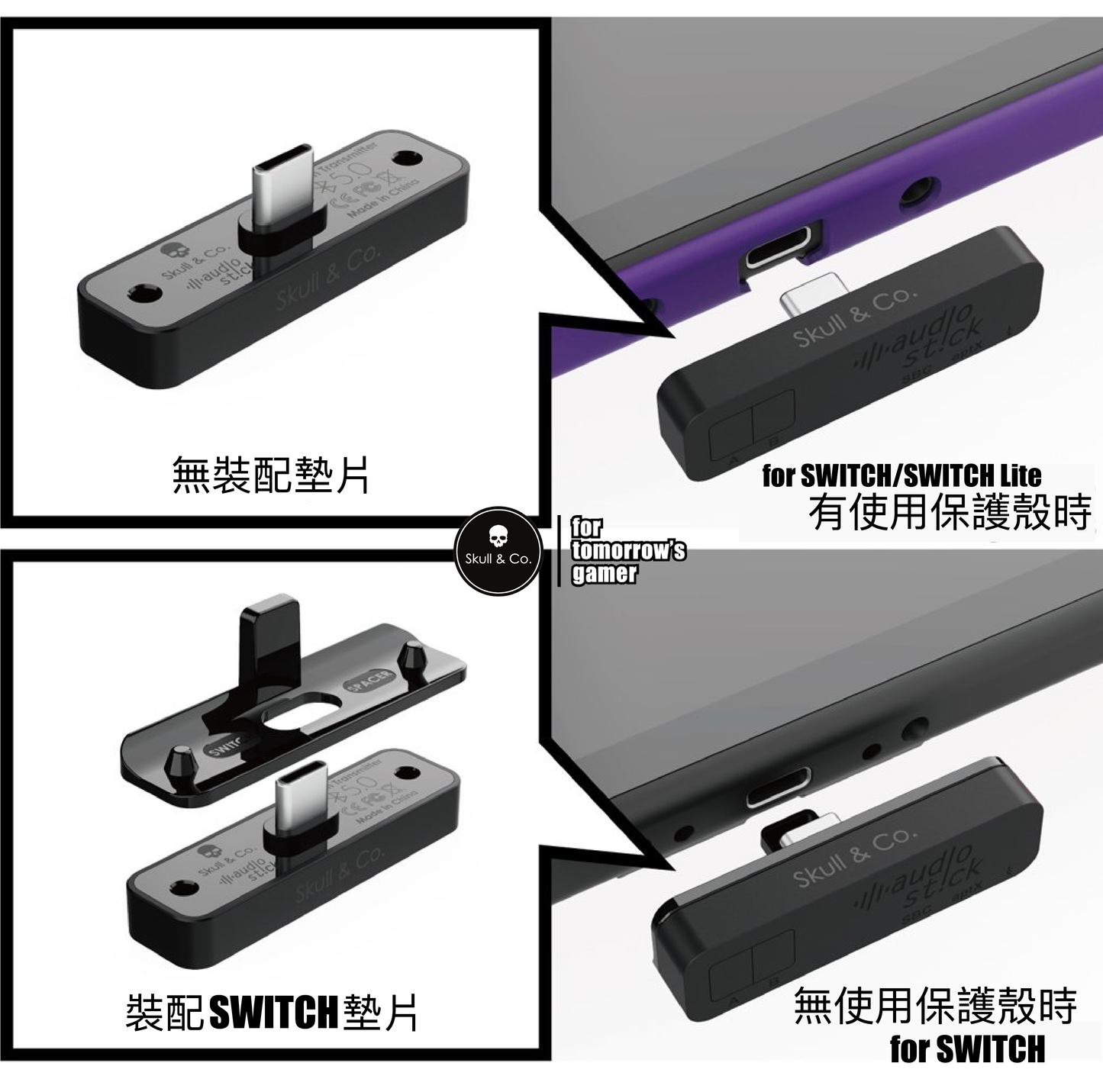
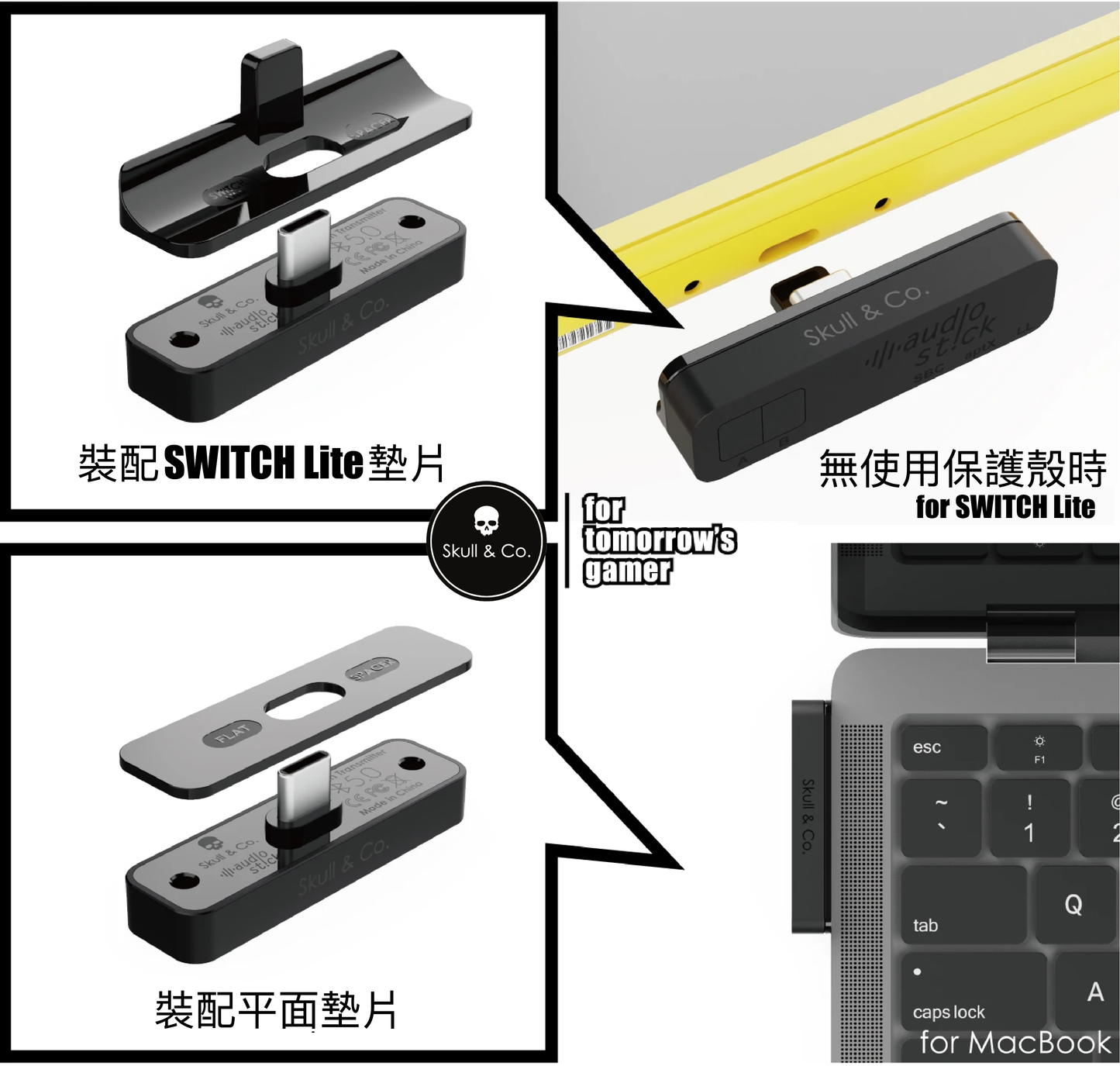
- Includes three spacers, ensuring a snug fit for Switch / Switch Lite, with or without a protective case
- Compatible with most third-party protective cases (bottom thickness < 1.5mm)
- Supports low-latency transmission with Aptx-LL
- Can connect two Bluetooth headsets simultaneously
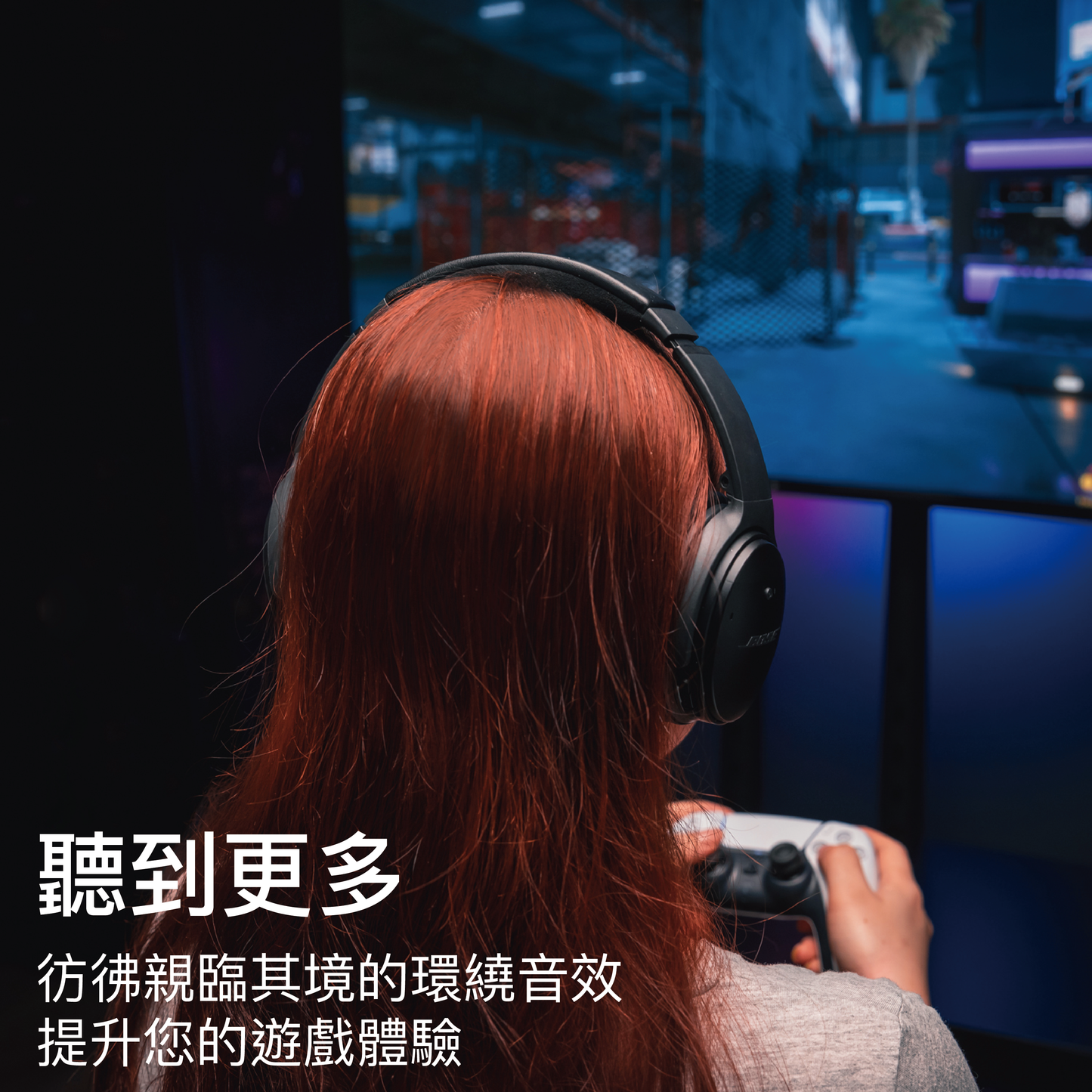
- Compatible with most Bluetooth headsets/speakers on the market, optimized for AirPods / AirPods Pro
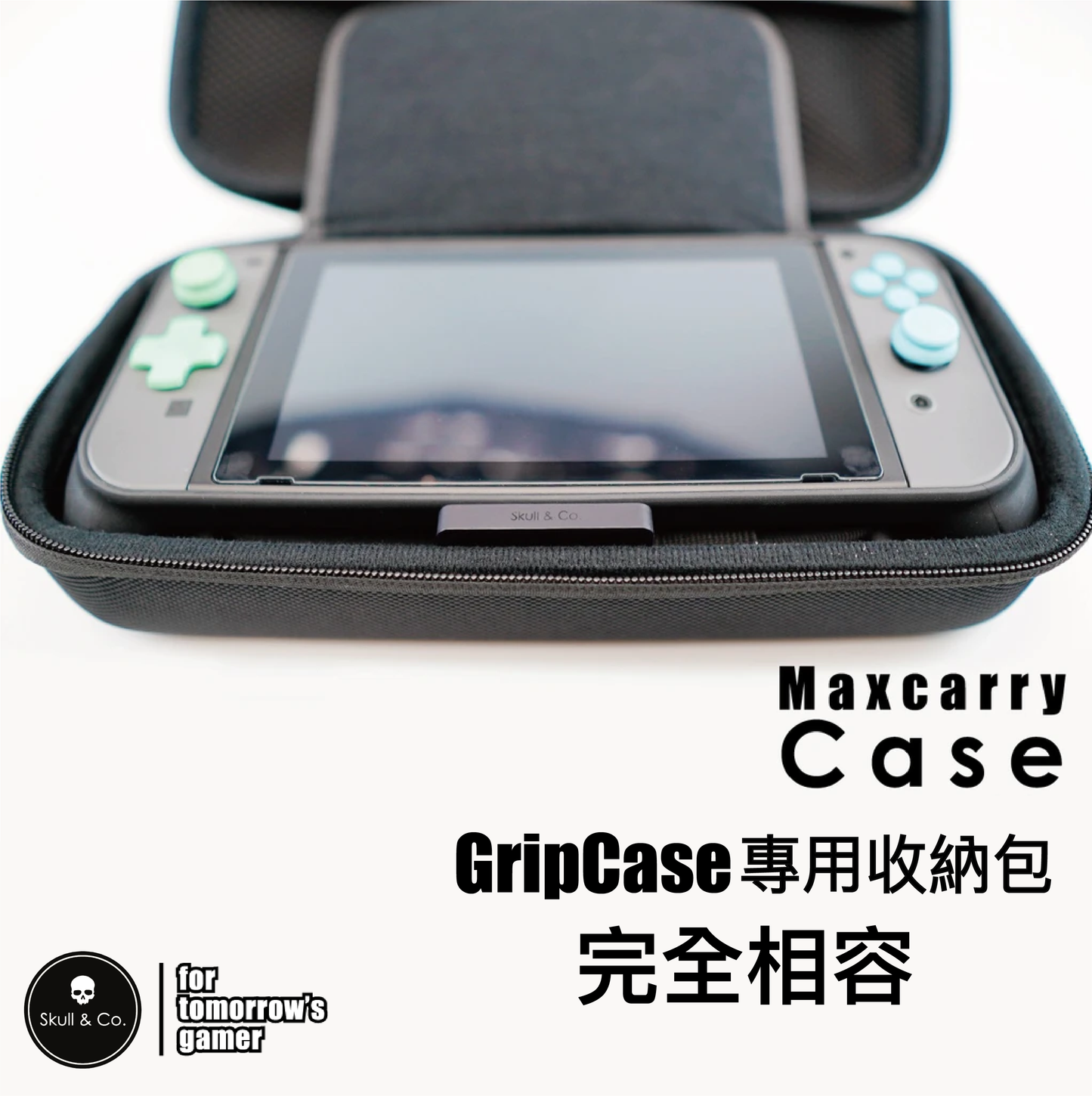
- Perfectly fits our grip cases
- Can be placed directly into a splash-proof hard shell storage case with the Switch console, no need to remove
📦 Contents
- 1x AudioStick Ultra-thin Bluetooth Audio Transmitter
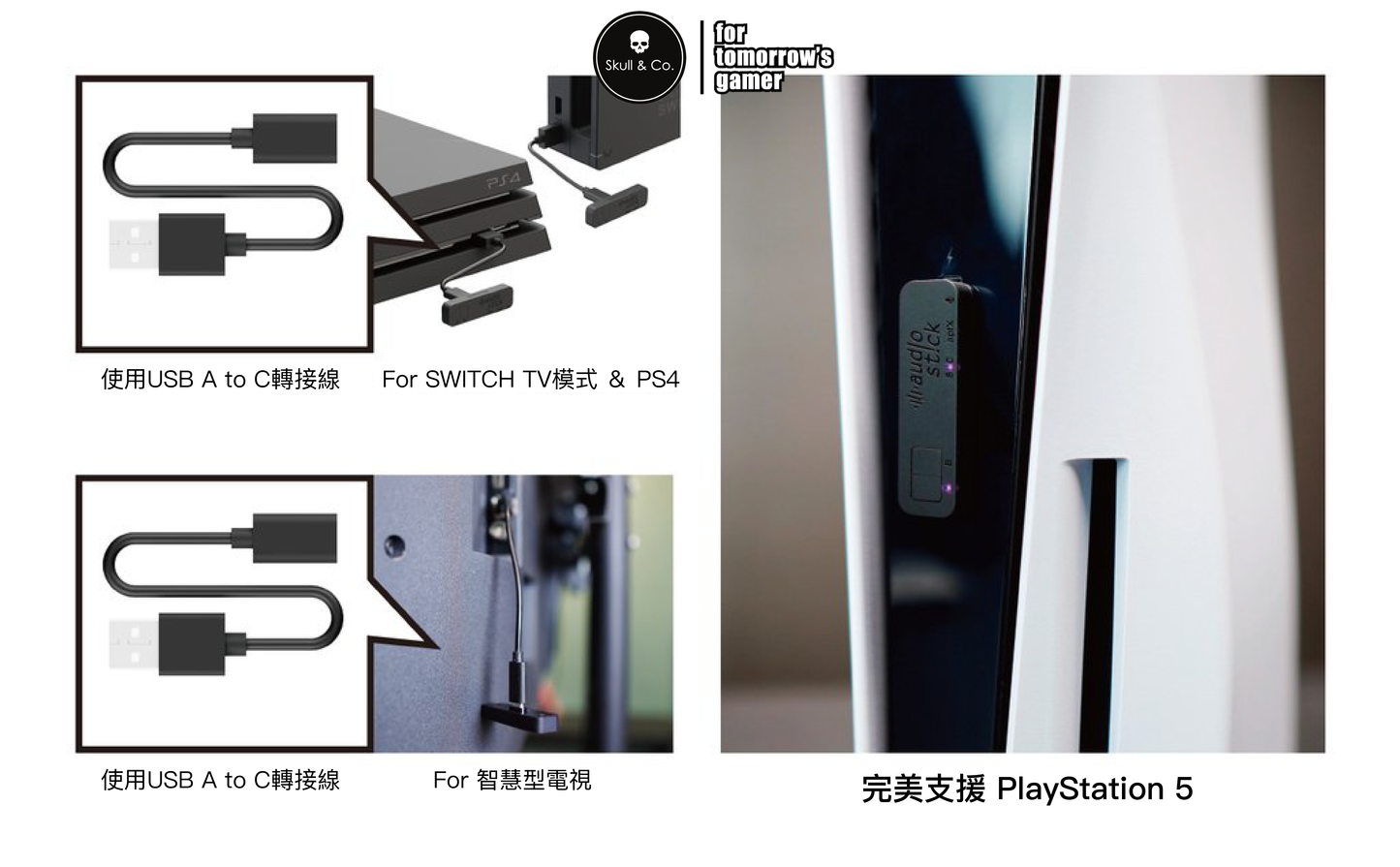
- 1x USB-A (Male) to USB-C (Female) Cable
- 1x Switch 1st Gen Adapter Spacer
- 1x Switch Lite Adapter Spacer
- 1x Flat Adapter Spacer
📋 Specifications
- Body Dimensions: 50 x 14 x 15mm (excluding connector, thickness 7mm)
- Weight: 5.5 grams
- Bluetooth: 5.2 / Transmission Distance: 10 meters
- Power: 1W
- Supported Bluetooth Protocols: HFP, HSP, A2DP, AVRCP
- Supported Audio Codecs: SBC, AAC, APTX, APTX-LL, LDAC (16bit/48hz only)
- NCC Type Approval: CCAH20LPA260T2
(Unauthorized imitation will be prosecuted by law)
⚠️ Please note before purchasing
- The AudioStick uses a Qualcomm chip. If the headphones support Aptx/AAC/SBC/LDAC, it will prioritize the APTX protocol. The Qualcomm Bluetooth chip will automatically select the optimal codec based on current environmental factors (signal strength, stability, transmission rate, latency), so it cannot be guaranteed that it will connect to a specific codec.
- Due to native Windows system issues, when used on Windows, there may be problems with unable to adjust volume or default volume being maximum (Mac, NS, PS systems do not have this issue).
- According to user reports, LDAC audio quality will be locked at 16bit/48hz. If you specifically require high-quality LDAC, it is not recommended to purchase.
- Razer brand speakers cannot be guaranteed to connect. It is recommended not to purchase (e.g., Leviathan V2, etc.).
- Not suitable for wireless (2.4G) headphones; headphones must support Bluetooth connection.
FOR BLUETOOTH AUDIO DEVICES ONLY.
Compatible Products
COMPATIBLE WITH THE FOLLOWING PRODUCTS
-
■NS2 Multi-functional Portable Dock JUMPGATECan be connected to most Bluetooth headphones and speakers.
-
■Multi-functional Portable Dock ONE DOCKCan be connected to most Bluetooth headphones and speakers.
-
■NINTENDO SWITCH 2Can be connected to most Bluetooth headphones and speakers.
-
■NINTENDO SWITCH / OLEDCan be connected to most Bluetooth headphones and speakers.
-
■NINTENDO SWITCH LITECan be connected to most Bluetooth headphones and speakers.
-
■PLAYSTATION 5 ConsoleCan be connected to most Bluetooth headphones and speakers.
-
■PLAYSTATION 4 ConsoleCan be connected to most Bluetooth headphones and speakers.
-
■APPLE IPAD / IPHONE / MAC (TYPE-C)Can be connected to most Bluetooth headphones and speakers.
-
■Desktop Computers and Other Smart DevicesCan be connected to most Bluetooth headphones and speakers.
FAQ
AudioStickIs AudioStick compatible with my Bluetooth headphones?
Yes, AudioStick is compatible with all Bluetooth headphones.
Can I use AudioStick with my Switch in TV mode and on PS4/PS5?
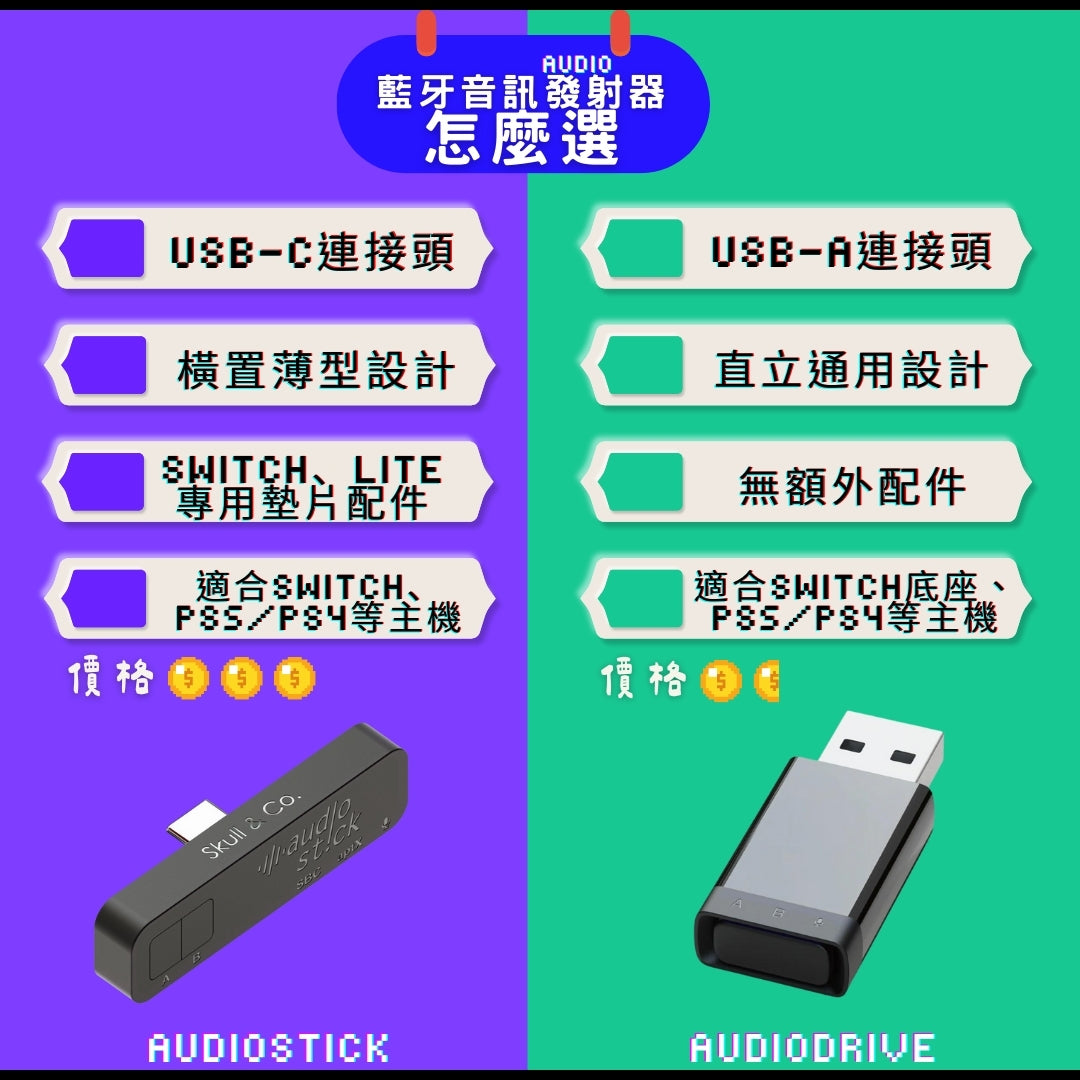
Yes, you can. The package includes a USB-A to C cable, which allows you to connect to the Switch dock or PS4/PS5 via a USB-A port.
There's no sound after connecting AudioStick to Bluetooth headphones, and PS5 shows incompatibility.
Normally, the PS5 system will automatically detect and switch to Bluetooth headphone audio output. If it doesn't switch automatically, please go to:
PS5 Settings → Sound → Audio Output → Output Device
and manually select your Bluetooth headphones.
Does AudioStick support Apple AAC and Sony LDAC?
Yes, AudioStick supports and is optimized for both AAC and LDAC.
Can AudioStick connect to two sets of Bluetooth headphones simultaneously?
Yes, it can. However, if only one of the two connected headphones supports Aptx, the output will be unified to SBC.
Example: (Headphone A supports Aptx) + (Headphone B does not support Aptx) = SBC output
Can AudioStick connect to Windows systems?
Yes, but the audio quality will be locked to 16bit/48hz, and due to native Windows system issues, the volume might not be adjustable or might default to maximum.
Mac, NS, and PS systems do not have this issue.
Does AudioStick have voice chat functionality?
Yes, if your Bluetooth headphones have a microphone function, double-click any button on the transmitter while connected to the Bluetooth headphones to turn the microphone on/off.
However, PS4 and some older Switch games only support voice chat through the 3.5mm headphone jack. In such cases, a separate 3.5mm microphone is needed.
AudioStick powers off when not connected to headphones, what can I do?
AudioStick has an automatic sleep function and will enter sleep mode if it doesn't detect headphones for more than one minute. Please refer to the "Reconnect" section of the manual and single-click any button to wake it up.
I can't pair AudioStick with Apple AirPods Pro, what should I do?
Please follow these steps:
- Insert AudioStick into your console and long-press button A or B to enter pairing mode.
- Place your AirPods/Pro in the charging case and open the lid.
- Press and hold the setup button on the back of the charging case (3rd generation and earlier) / tap the indicator light twice (4th generation) until the status indicator light flashes white.
AirPods Max: Press and hold the noise control button for about 5 seconds, or until the status indicator light flashes white. - Complete the pairing process according to the Chinese manual included with your AudioStick.
